
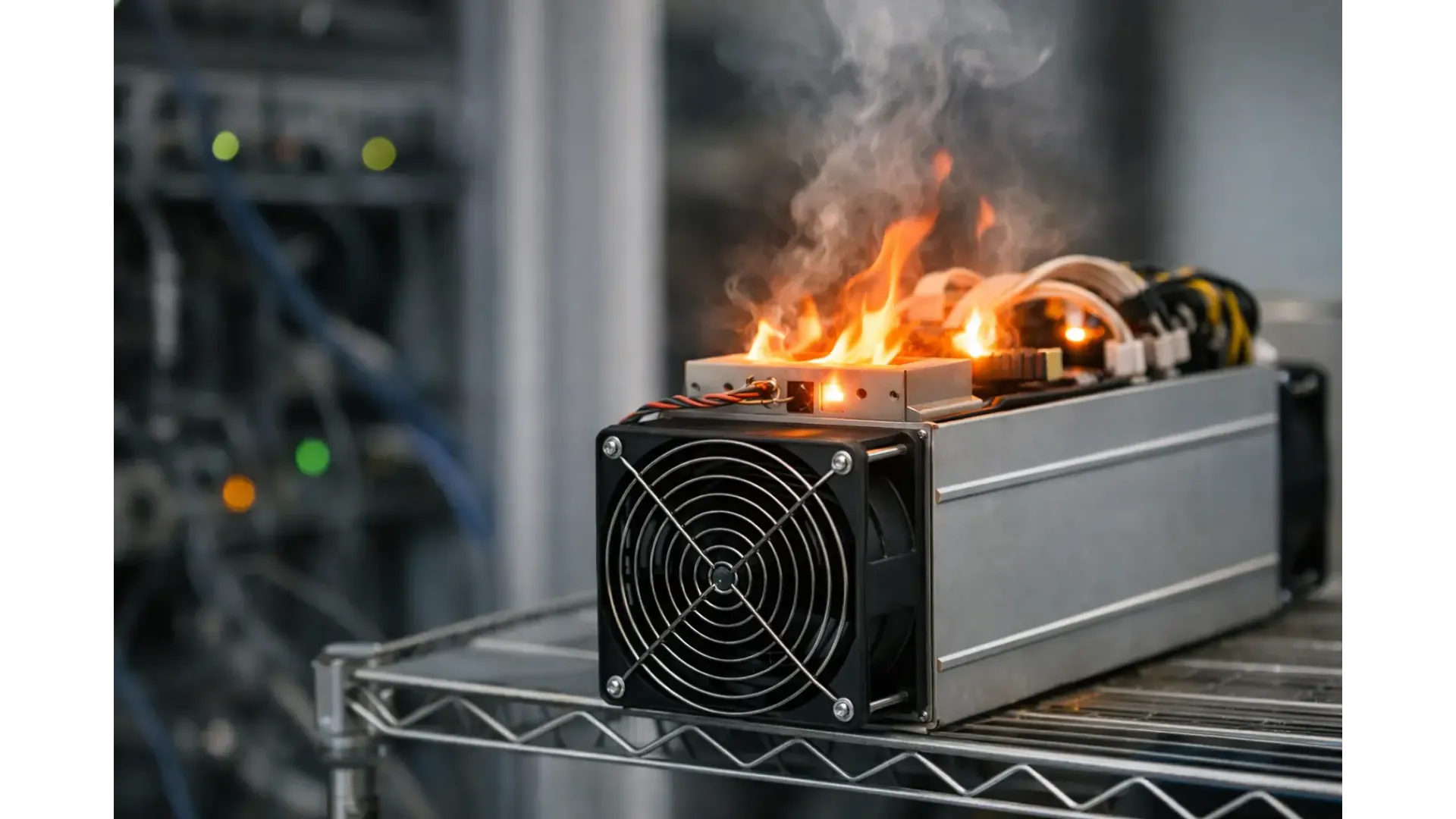
An ASIC that suddenly runs hotter than usual is rarely a minor detail. If you are asking why is my ASIC overheating, the answer is usually a mix of airflow, ambient temperature, dust build-up, fan issues, firmware behaviour, or power delivery problems rather than a single fault. The practical task is to identify which of those is pushing the machine beyond its normal operating range before heat turns into throttling, hardware errors, or permanent damage.
Heat is part of normal ASIC operation. These machines convert large amounts of electrical power into hashing work, and a lot of that energy becomes waste heat. The question is not whether an ASIC gets hot, but whether it is running hotter than its design, its setting, or its room can support.
Why is my ASIC overheating in the first place?
In most home and small-site mining setups, overheating starts outside the miner before it shows up inside the miner. A machine placed in a warm loft, small cupboard, garage in summer, or under-ventilated utility space can pull in already-heated air and then fail to expel enough of it. Even a healthy ASIC will struggle if intake air is too warm.
The next common cause is restricted airflow. Dust on heatsinks, clogged intake areas, or improvised ducting that creates back pressure can trap hot air around the hashboards. Miners are designed for high-volume airflow, so any setup that reduces fan efficiency can raise chip temperatures quickly.
Fan problems are also high on the list. A fan does not need to fail completely to cause trouble. Reduced RPM, unstable speed, worn bearings, or an incorrect replacement fan can leave the machine technically running but thermally compromised. Some operators notice the issue only after hash rate drops or the unit starts rebooting.
Power and firmware can also be factors. Aggressive overclocking, unstable custom profiles, or a power supply delivering inconsistent output can increase heat beyond what the cooling system can handle. That is especially relevant with pre-owned machines, where prior settings may not match your room conditions or power environment.
Start with the room, not the miner
Before opening anything or changing settings, check the environment around the unit. If the room is hot, stale, or recirculating exhaust air back into the intake, the ASIC is fighting a losing battle. This is one of the most common causes in home mining, where space is limited and extraction is often treated as optional.
Stand where the miner is running and assess the airflow path. The intake side should receive cooler air, and the exhaust side should have a clear route out. If hot air is bouncing off a wall, entering a closed corner, or mixing back into the room, temperatures will keep climbing. A machine can appear fine for part of the day and then overheat when ambient temperature rises in the afternoon.
Seasonal changes matter more than many buyers expect. A setup that worked well in winter can become unreliable in late spring or summer without any hardware change at all.
Check the obvious warning signs
Overheating does not always begin with a shutdown. Often the early signs are more subtle. The ASIC may reduce hash rate, show increasing hardware errors, report abnormally high chip temperatures, or trigger fan speeds that stay pinned at maximum. Some units begin cycling, losing board detection, or showing unstable performance after running normally for a short period.
If one hashboard is markedly hotter than the others, the cause may be localised rather than environmental. That can point to uneven dust accumulation, a failing fan path, poor heatsink contact, or a board-level issue. If all boards are running hot, the problem is more likely to be room temperature, airflow restriction, or settings.
A loud miner is not automatically an overheating miner, but a sudden change in fan behaviour is worth attention. Fans ramp up for a reason.
Dust is a bigger problem than it looks
Fine dust, pet hair, workshop debris, and oily residue can build up faster than expected, especially in garages, sheds, and mixed-use spaces. When dust coats heatsinks and internal surfaces, it acts like insulation. It also disrupts air movement through the chassis, which means the miner needs to work harder just to maintain a safe temperature.
Cleaning helps, but it needs to be done properly. Power the machine down fully before inspection. Look for blocked fins, intake obstruction, and dirt around fan housings. Careless cleaning can damage boards or connectors, so if you are not confident, it is better to stop than force it. Compressed air can help, but blasting debris deeper into the unit is counterproductive.
If the machine becomes dusty again within a short period, the real fix may be the room rather than the cleaner. Better filtration and better placement often do more than repeated maintenance.
Fan and airflow faults
An ASIC depends on steady, high-volume cooling. If a fan is underperforming, the miner may still boot and hash while temperatures drift into an unsafe range. Check fan readings in the management interface and compare expected speeds across all installed fans. A mismatch can point to wear or failure.
Aftermarket changes can also create problems. Ducting, silencers, improvised shrouds, and enclosure modifications can reduce noise, but they can also introduce resistance. There is always a trade-off. Quieter operation is useful in home environments, but not if it strangles airflow and shortens hardware life.
If you are using an enclosure, verify that extraction capacity matches the miner’s thermal output. The enclosure should remove heat, not just contain sound.
Settings can push a stable machine into overheating
A miner that is overclocked or running a performance profile may be operating normally in cool conditions and then fail in warmer weather. That is why overheating sometimes appears inconsistent. The machine itself has not changed, but the margin for safe cooling has disappeared.
Return the unit to stock settings if temperatures are rising. This is the quickest way to separate a cooling issue from a tuning issue. If the machine stabilises at standard settings, your previous profile was too aggressive for the current environment.
Undervolting or using a more conservative profile can be a practical compromise. You may give up some hash rate, but reduced heat and better uptime often produce a better real-world result.
Power supply and electrical issues
Not every thermal problem starts at the chips. A failing or stressed PSU can contribute to heat instability, and poor mains conditions can make the entire system behave unpredictably. Check cables, connectors, and power distribution for signs of heat, discolouration, or looseness.
This is especially important if you are running multiple machines on shared circuits or extension arrangements that were never intended for continuous mining loads. Excess heat around plugs or cabling is not just a performance issue. It is a safety issue.
If the ASIC reports normal fan function but temperatures still spike under load, it is worth considering whether the PSU is operating correctly and whether the supply setup is appropriate for the machine.
When the problem is inside the miner
If room conditions are acceptable, fans are healthy, the machine is clean, and settings are reasonable, overheating may point to a hardware fault. That can include sensor errors, degraded thermal contact, damaged heatsinks, hashboard defects, or control board issues. In those cases, temperature symptoms are often accompanied by dropped boards, irregular boot behaviour, or persistent errors in logs.
This is the point where continued trial and error can do more harm than good. Running an ASIC while it repeatedly overheats is not a useful test method. If a machine is shutting down for thermal protection, respect that warning.
For buyers using pre-owned hardware, this is one reason it helps to source from a specialist supplier rather than a random marketplace seller. Support, testing standards, and clearer hardware history reduce the guesswork when faults appear.
What to do right now if your ASIC is overheating
Start by reducing load or stopping the miner altogether if temperatures are already critical. Then check ambient temperature, intake and exhaust path, fan speeds, and visible dust. Remove any recent variables such as overclock profiles, enclosure changes, or room layout changes. If the miner returns to stable operation after those steps, monitor it across different times of day rather than assuming the issue is solved after one cool hour.
If it still overheats at stock settings in a suitable environment, treat it as a likely hardware or PSU issue and investigate further before putting it back into continuous service. Retailers such as Ehasher can support buyers who need mining-specific hardware guidance rather than generic electronics advice.
A hot ASIC is not unusual. An ASIC that is getting hotter, noisier, less stable, or more error-prone is asking for attention. The best response is usually simple and fast: give it cleaner air, cooler air, realistic settings, and a proper reason to keep running.