
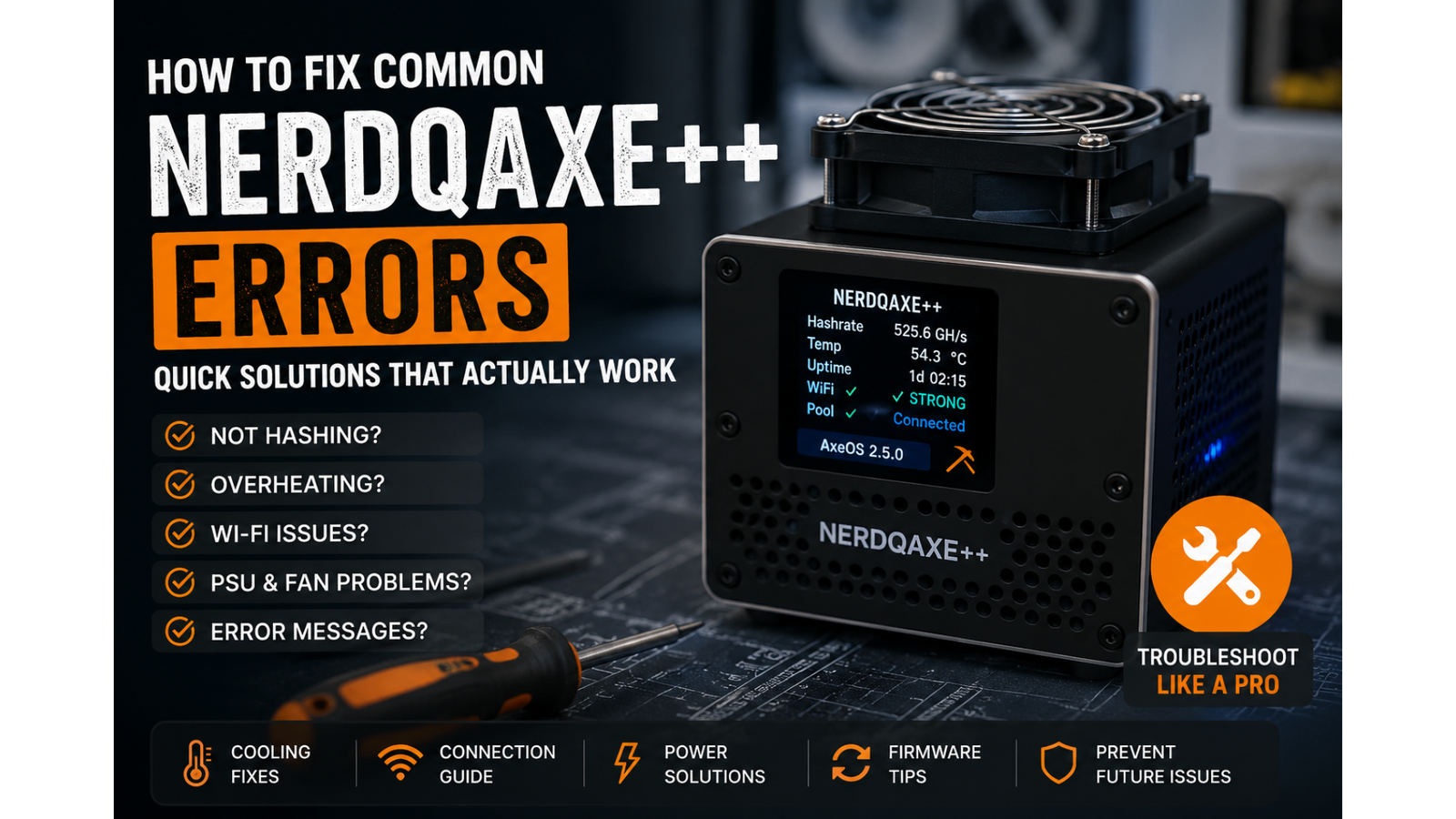
How to Fix Common NerdQaxe++ Errors: A Practical Troubleshooting Guide for Home Miners
If your NerdQaxe++ has stopped hashing, keeps going offline, or is showing strange messages on the display, you are not alone. A lot of the most common NerdQaxe++ errors come down to a small number of repeat issues such as cooling, power delivery, Wi-Fi setup, firmware behaviour, or physical movement during shipping and handling.
That is actually good news, because it means many faults are fixable without immediately assuming the miner is beyond repair. In plenty of cases, a NerdQaxe++ that looks seriously broken is really suffering from poor heatsink contact, dried thermal paste, unstable power, incorrect network settings, or a fan and airflow problem that has gradually become worse over time.
This guide explains how to fix common NerdQaxe++ errors in a sensible order, what symptoms usually point to, and what to check first if your NerdQaxe++ is not hashing properly. If you are still building out your setup or comparing alternatives, you can also browse our range of solo bitcoin miners and compact home mining hardware.
What are the most common NerdQaxe++ errors?
The most common NerdQaxe++ issues usually fall into a few clear groups. Some units report PSU-related faults or shut down unexpectedly. Others power on but show zero hashrate, fail to connect to Wi-Fi, or become unstable once temperatures begin to climb. In some cases, the miner looks healthy at first and then starts misbehaving only after it has been running for a short while.
The tricky part is that these symptoms often overlap. A NerdQaxe++ Wi-Fi problem may actually be caused by heat or instability. A NerdQaxe++ showing zero hashrate may still be connected to the network, but unable to initialise the ASIC properly because of a cooling or voltage issue. That is why good troubleshooting is less about guessing from one symptom and more about working through the likely causes in the right order.
Why your NerdQaxe++ is not hashing
If your NerdQaxe++ is not hashing, start with the obvious checks but do not stop there. Confirm that the miner has power, the pool URL is correct, the worker details are correct, and the Wi-Fi connection is stable. If those all look normal, the next step is to think about thermal behaviour and power stability rather than assuming the network is the whole problem.
A NerdQaxe++ not hashing can often point to one of the following:
- poor heatsink contact or degraded thermal paste
- power instability or PSU-related behaviour
- incorrect pool or network settings
- firmware problems or a bad update state
- fan failure or weak airflow causing thermal throttling
If the display is active but the miner is stuck at zero hashrate, that usually suggests the unit is alive enough to boot, but not healthy enough to mine properly. That is an important distinction because it often means the fault is still recoverable.
NerdQaxe++ PSU errors and sudden shutdowns
If your NerdQaxe++ is reporting a PSU-related error or switching off unexpectedly, one of the first things to consider is thermal contact between the ASIC and the heatsink. A compact miner like this relies heavily on good contact pressure and proper heat transfer. If the heatsink shifts slightly, or the paste is dry or uneven, the miner can become unstable very quickly once load is applied.
This is especially common after shipping, moving the unit, or handling it more than usual. Even a small gap or uneven mount can create behaviour that looks far worse than it really is. The miner may still boot, connect, and begin to operate, only to shut down or throw errors once temperatures rise or voltage regulation starts to struggle.
The first practical step is to power the miner down and inspect the heatsink mount. Look for uneven paste coverage, obvious movement, or anything that suggests the contact is not sitting flat. If necessary, remove the heatsink, clean off the old compound properly, and apply a fresh, suitable thermal paste before refitting the cooler with even pressure.
NerdQaxe++ overheating problems
Overheating is one of the most common causes of NerdQaxe++ instability. These miners are compact, which is part of their appeal, but that also means they depend on proper airflow, sensible placement, and clean cooling components to stay reliable.
If your NerdQaxe++ keeps overheating, hashes for a while and then drops off, or starts behaving strangely in a warm room, focus on the surrounding environment as well as the miner itself. A cramped shelf, enclosed cabinet, dusty workspace, or warm room can all make temperatures rise faster than you might expect.
Thermal trouble does not always begin with a dramatic shutdown. Sometimes the first sign is inconsistent hashrate, strange throttling behaviour, or a miner that becomes unreliable only after it has been running for a period of time. That is why it helps to watch the pattern rather than waiting for a complete stop.
Good airflow, a clean fan, secure heatsink mounting and sensible room placement make a huge difference. If you are running a broader home setup and want a cleaner, more manageable environment, you may also want to look at dedicated home mining pool nodes and better organised home mining infrastructure.
NerdQaxe++ Wi-Fi problems and connection failures
If your NerdQaxe++ will not connect to Wi-Fi, keeps dropping offline, or shows connection failures even though the password looks correct, the network side needs checking carefully. Compact miners can be far less forgiving than phones or laptops when it comes to wireless setup.
Start by re-entering the Wi-Fi credentials carefully and confirming the signal is strong where the miner is placed. A weak or unstable signal can create behaviour that looks random, especially if the miner is also dealing with heat or power instability at the same time.
It also helps to remember that a connection issue is not always purely a connection issue. A unit that goes offline only after warming up may still be suffering from thermal or voltage trouble. The symptom may appear to be network-related, but the root cause may be elsewhere.
If your NerdQaxe++ Wi-Fi issue is persistent, treat the network check as one part of a wider diagnosis rather than the only thing to fix.
NerdQaxe++ fan noise, weak airflow or cooling failure
If the fan sounds rough, spins unevenly, or appears weaker than it should, do not ignore it. Fan and airflow problems on small ASIC-style miners can turn into bigger faults very quickly. Poor cooling can lead to thermal throttling, unstable operation, shutdowns and longer-term stress on components.
Dust is one of the most common causes here, especially if the miner has been running in a workshop, spare room, shelf unit or other less-than-pristine environment. A fan that is dirty or partially obstructed will struggle to move enough air across the heatsink, even if the rest of the miner is technically configured correctly.
Clean the fan and surrounding area carefully, but avoid forcing the blades to overspin with aggressive air blasts. If the fan is making abnormal noise or clearly failing, it is better to replace it than hope the problem will go away on its own.
How to troubleshoot NerdQaxe++ errors in the right order
The best NerdQaxe++ troubleshooting process is one that moves from the easiest and most common causes to the more serious ones. That avoids wasting time and helps you rule things out properly.
A sensible order looks like this:
- Power the unit down completely and inspect the physical condition.
- Check the heatsink, screws, fan and general cleanliness.
- Make sure airflow is not being restricted by the location.
- Check the power supply and cable condition.
- Confirm the Wi-Fi, pool and worker settings are correct.
- Review temperatures, stability and miner behaviour in AxeOS.
- Only then consider a firmware refresh or clean reinstall.
That order will not magically solve every problem, but it does stop you chasing the wrong explanation too early. In a lot of cases, the fix turns out to be simpler than the symptoms make it seem.
When firmware may be the problem
Firmware is not the first thing to blame every time, but it can absolutely be part of the issue. If the miner became unstable after a change, if the interface is behaving oddly, or if the system is no longer responding the way it should, bringing the software side back to a known-good state can help.
If AxeOS is still accessible, take a methodical approach. Check what version you are on, make one change at a time, and avoid layering multiple random adjustments on top of each other. If the miner is difficult to reach or routine updating is no longer practical, a clean reflash may be the better route.
If you are newer to this side of mining, it can also help to start with simpler compact devices before moving deeper into more advanced setups. Our range of solo mining hardware is often a more approachable entry point for home users who want to learn the basics first.
How to prevent future NerdQaxe++ problems
Most recurring NerdQaxe++ faults are easier to prevent than to fix. Good placement, clean airflow, secure heatsink contact, sensible temperatures and regular visual checks go a long way. These miners are compact, but that does not mean they are maintenance-free.
It is worth checking the miner after transport, after moving it, or after any period where it has been running in a warm or dusty environment. It is also worth paying attention to gradual behaviour changes rather than waiting for a full failure. Small signs of instability often appear before the bigger problem arrives.
Avoid treating extra performance as free performance. Pushing settings harder without proper cooling, good airflow and a stable operating environment can make a reliable miner become frustrating very quickly. Consistency is often more valuable than chasing a number and creating repeat downtime.
When it may be a hardware-level fault
If you have checked cooling, fan behaviour, physical connections, power delivery, Wi-Fi settings and firmware, but your NerdQaxe++ is still dead, unstable or clearly abnormal, the fault may be deeper. That can include a failed sensor, damaged component, blown fuse, bad connector or another board-level problem that is not going to be solved by routine user setup checks.
At that stage, it is better to stop repeating the same steps and move towards proper inspection or repair. Continuing to power-cycle a miner with a genuine hardware fault can make diagnosis harder rather than easier.
If you are still choosing between small home miners, lottery-style devices and more serious ASIC hardware, comparing the right setup from the start can save a lot of frustration later. You can browse current options across our solo bitcoin miners and wider mining hardware ranges.
Final thoughts
The good news with NerdQaxe++ errors is that many of them trace back to the same familiar pattern: cooling, contact pressure, airflow, power stability, Wi-Fi setup and firmware. That does not mean every fault has a quick fix, but it does mean plenty of issues are more manageable than they first appear.
If you work through the problem in a calm order, you give yourself the best chance of getting the miner back online without replacing parts unnecessarily. And if the issue does turn out to be more serious, at least you will know you have ruled out the most common causes properly rather than guessing.
If you want compact home mining hardware, beginner-friendly solo devices, or related accessories for your setup, take a look through the latest ranges at eHasher.