
Last updated: March 2026
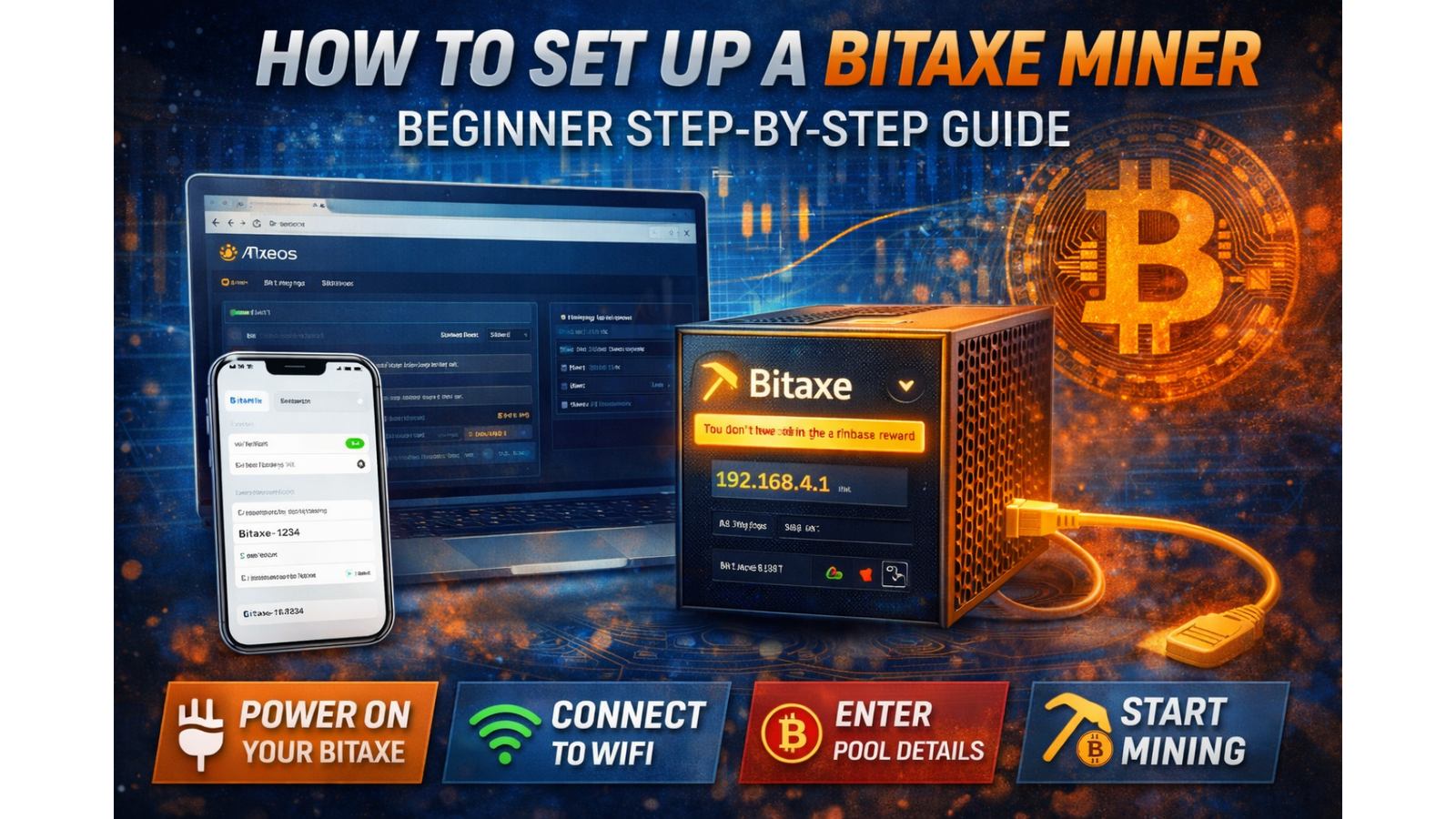
How to Set Up a Bitaxe Miner (Complete Beginner Guide 2026)
Setting up a Bitaxe miner is easier than you might think — even if you’ve never mined Bitcoin before.
In this guide, we’ll walk you through everything step-by-step, from powering on your device to getting it connected and mining successfully.
New to mining? Start with our Bitcoin Mining Basics guide
1. Getting Started: Powering On Your Bitaxe
Plug your Bitaxe into power and it will automatically boot up.
On the screen, you’ll see:
- A temporary WiFi network name (Bitaxe-xxxx)
- An IP address (used to access settings)
This means your device is ready to be configured.
2. Connect to Your Bitaxe
Using your phone or computer:
- Open WiFi settings
- Connect to the network starting with Bitaxe-xxxx
- Open a browser and go to the IP shown on the screen
This will open the AxeOS dashboard.
3. Connect to Your Home WiFi
Inside AxeOS:
- Go to the Network tab
- Enter your home WiFi name (SSID)
- Enter your WiFi password
Important: Bitaxe only supports 2.4GHz WiFi, not 5GHz.
Click Save & Apply — your miner will restart and connect to your network.
4. Enter Mining Pool Settings
Next, you need to connect your miner to a pool.
Go to the Settings tab and enter:
- Stratum Host: e.g. solo.solohash.co.uk
- Port: e.g. 3333
- Username: Your Bitcoin wallet address + worker name
- Password: Usually "x"
Click Save & Apply.
Your Bitaxe should now start mining.
Want full control?
View Home Mining Pool Nodes
5. Understanding Your Hashrate
Your hashrate shows how fast your miner is working.
- Higher hashrate = more chances to earn rewards
- Short-term values may jump up and down — this is normal
- Focus on the average hashrate for true performance
6. What Does Efficiency Mean?
Efficiency is measured in J/TH (joules per terahash).
This tells you how much electricity your miner uses.
Example:
- 15 J/TH at 1.2 TH/s ≈ 18 watts
Lower efficiency = lower electricity costs.
7. Electricity Costs (UK Example)
At £0.25 per kWh:
- Bitaxe (~18W) ≈ £3–£4 per month
- Higher power miners cost significantly more
Always consider electricity when choosing a miner.
8. Accepted vs Rejected Shares
- Accepted shares: Valid work submitted to the pool
- Rejected shares: Work that was too late or invalid
Keep rejected shares below 1% for best performance.
9. Temperature & Cooling
Keeping your miner cool is essential.
- Ideal temperature: 40–65°C
- Above 70°C → performance drops
- Above 75°C → risk of damage
Tips:
- Ensure good airflow
- Keep dust away from fans
- Avoid enclosed spaces
10. Safe Overclocking Tips
You can increase performance by adjusting frequency and voltage — but do it carefully.
- Increase frequency in small steps (25 MHz)
- Monitor temperature closely
- Watch for errors or instability
Rule: Higher speed isn’t always better — efficiency matters more.
11. Common Issues & Fixes
Not connecting to WiFi?
- Check you are using 2.4GHz
- Restart the device
Low hashrate?
- Check temperature
- Check pool connection
High errors?
- Reduce frequency
- Improve cooling
Final Thoughts
Bitaxe miners are one of the easiest ways to start mining Bitcoin at home.
Once set up correctly, they can run quietly, efficiently, and reliably.
Start small, learn the basics, and scale as you gain experience.
Related Product
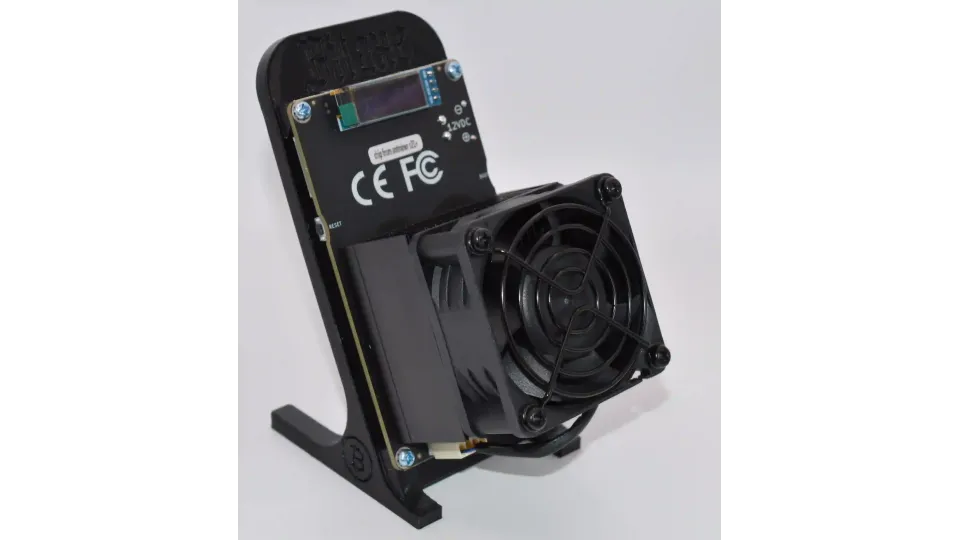
Bitaxe Gamma Turbo 801 Home Bitcoin Miner – Black – 2.07 to 2.4 TH/s
The Bitaxe GT 801 in black is an upgraded compact Bitcoin miner built for home users, hobbyists, and crypto enthusiasts who want efficient mining with..
£109.95
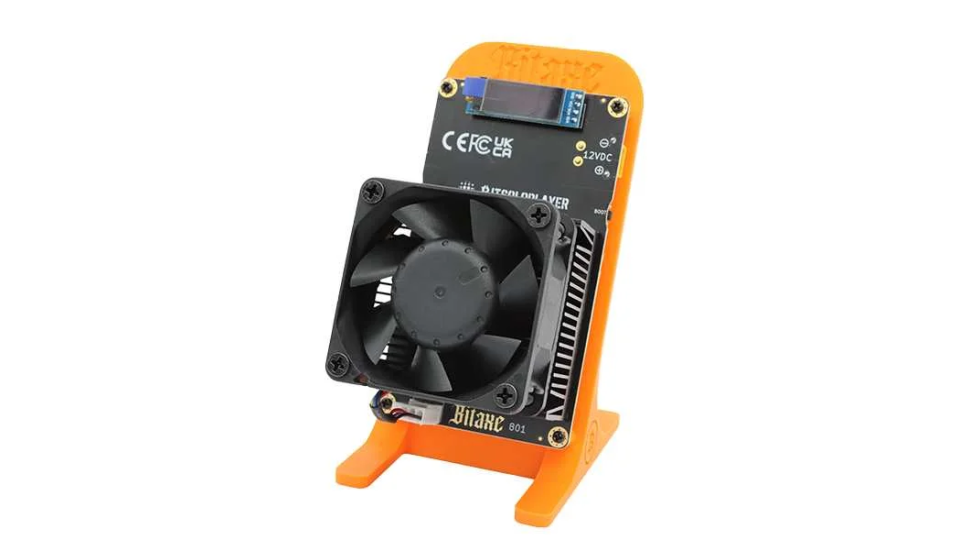
Bitaxe Gamma Turbo 801 Home Bitcoin Miner – Orange – 2.07 to 2.4 TH/s
The Bitaxe GT 801 in orange is an upgraded compact Bitcoin miner designed for home users, hobbyists, and crypto enthusiasts who want efficient mining ..
£109.95