
Last updated: 2026
How to Set Up the Avalon Nano 3S Bitcoin Miner (Beginner Guide)
The Avalon Nano 3S is one of the easiest Bitcoin miners to set up at home. Compact, quiet, and beginner-friendly, it’s designed for simple plug-and-play mining while still delivering real ASIC performance.
This guide walks you through the full setup process — from powering on the device to connecting Wi-Fi, configuring your mining pool, and keeping your miner running efficiently.
? Ready to upgrade your setup? Browse Home Mining Pool Nodes
Step 1: Unboxing & Powering On
Getting started is simple:
- Remove the Avalon Nano 3S from the box
- Place it on a flat surface with the screen facing up
- Connect the USB Type-C cable to the back of the device
- Plug into a power source
? The miner will automatically power on.
Step 2: Understanding the Device
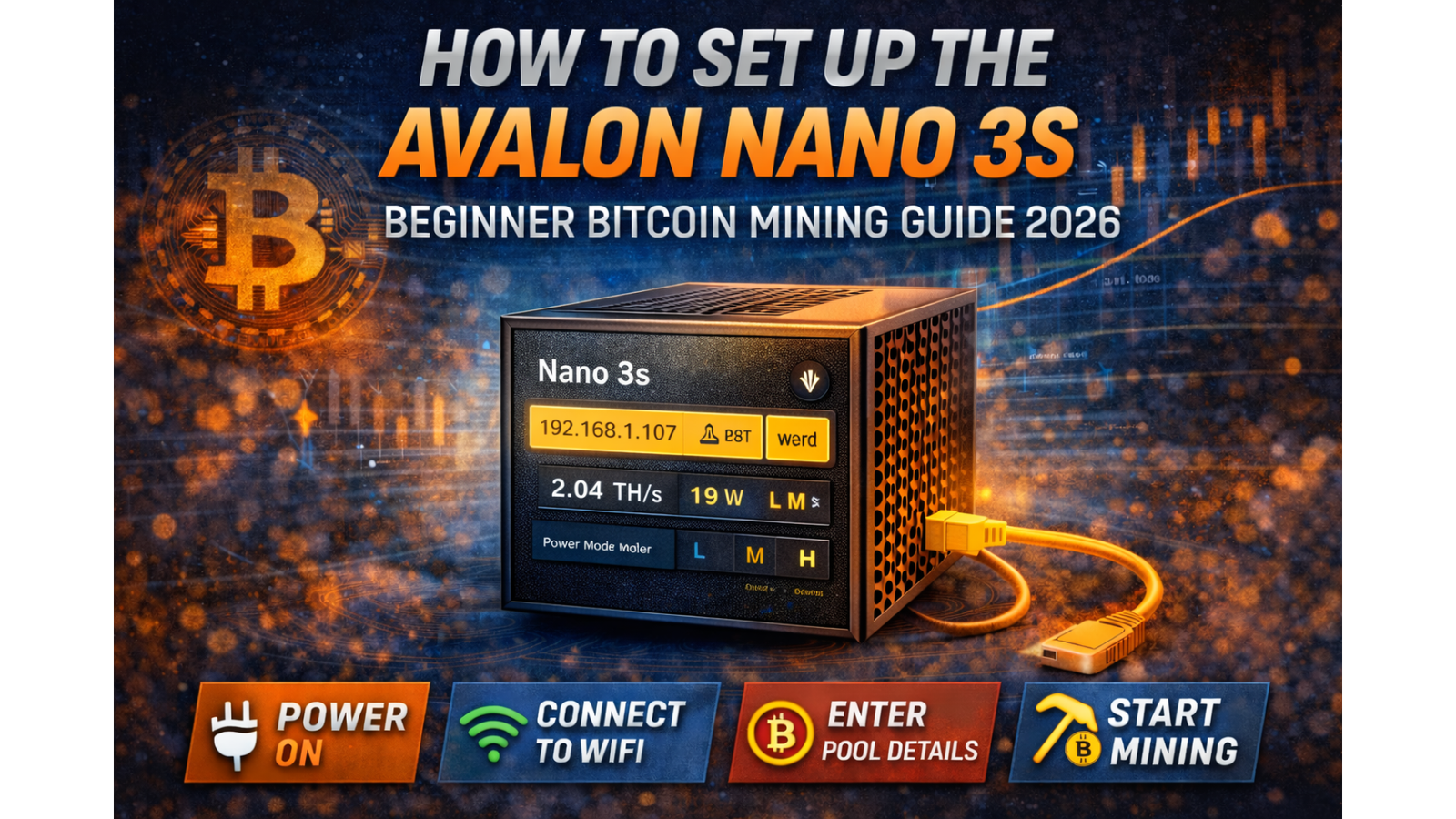
The Avalon Nano 3S has two main buttons and a display screen:
- Power Button:
- Hold for 3 seconds to turn ON/OFF
- Tap to change lighting modes
- Switch Button:
- Single press: cycles display screens
- Double press: switches mining mode (Low / Medium / High)
- Hold 3 seconds: enter Wi-Fi setup mode
- Hold 10 seconds: factory reset
The screen rotates useful information including:
- IP address
- Hashrate
- Power usage (W)
- Mining mode
- Network status
Step 3: Connect to Wi-Fi
To configure your network:
- Hold the Switch button for 3 seconds
- On your phone or computer, connect to Wi-Fi:
- heater_nano_xxxx
- No password required
- Open a browser and go to:
- http://192.168.168.168
- Login using:
- Username: root
- Password: root
- Select your home Wi-Fi and enter the password
- Click Confirm
After connecting, the device will display a new IP address.
? Reconnect to your normal Wi-Fi and access the miner using this new IP.
Step 4: Set Up Mining
Once inside the dashboard, configure your mining pool:
- Pool URL: Provided by your mining pool
- Port: e.g. 3333
- Username: Your Bitcoin wallet address
- Password: Usually "x"
Click Save and your miner will begin hashing.
? Tip: Running your own node can improve control and decentralisation:
Step 5: Using the Mobile App
You can also manage your Avalon Nano 3S using the official mobile app:
- Download from App Store or Google Play
- Tap “+” to add a device
- Connect to heater_nano_xxxx
- Select your Wi-Fi and enter password
- Manage mining settings and monitor performance
Step 6: Mining Modes Explained
- Low (L): Quiet, low power usage
- Medium (M): Balanced performance
- High (H): Maximum hashrate, higher heat
? Choose based on your environment and electricity costs.
Step 7: Maintenance & Care
To keep your miner running efficiently:
- Clean dust regularly with a soft brush
- Ensure airflow is not blocked
- Keep vents clear
- Use a stable power supply
⚠️ Avoid:
- Using liquids or cleaning chemicals
- Blocking airflow
- Using low-quality power adapters
Step 8: Warning Indicators
- No Wi-Fi: Check your network connection
- IP issue: Network setup failed
- High temperature: Improve cooling
- Power issue: Replace cable or adapter
? Always resolve warnings quickly to avoid downtime or hardware damage.
Final Thoughts
The Avalon Nano 3S is one of the simplest ways to start Bitcoin mining at home. With easy setup, low power consumption, and flexible control options, it’s ideal for beginners and experienced users alike.
Once configured, it can run continuously with minimal maintenance.
? Small device, real Bitcoin mining.
Related Product
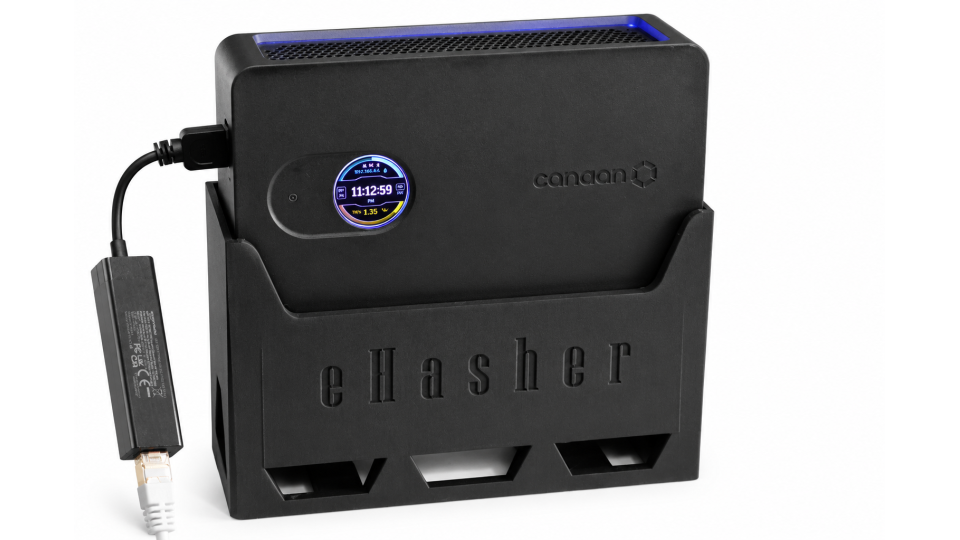
Canaan Avalon Nano 3S Home Bitcoin Miner – Black with Stand and Adapter
The Canaan Avalon Nano 3S in black is a compact, beginner-friendly Bitcoin miner designed specifically for home and desktop use. Combining stylis..
£214.95
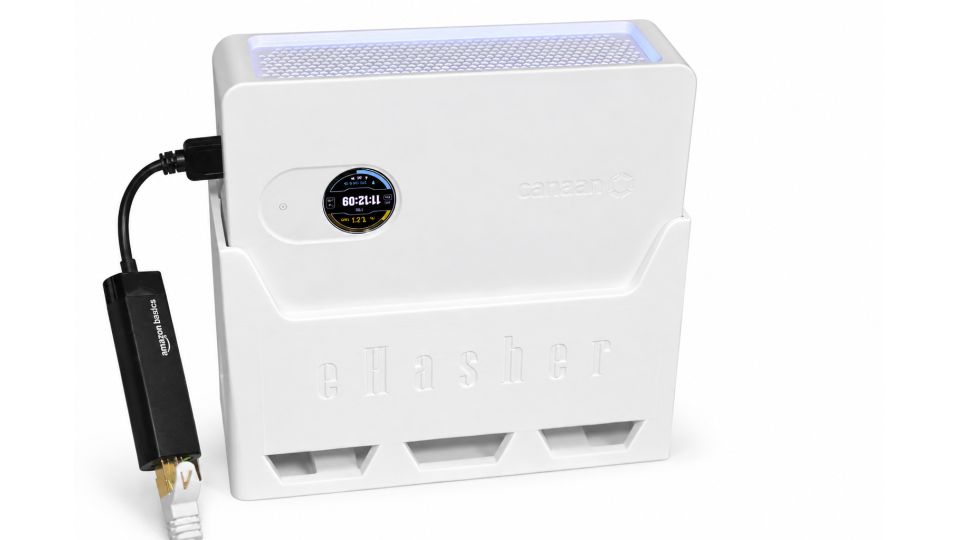
Canaan Avalon Nano 3S Home Bitcoin Miner – White – with Stand and Adapter
The Canaan Avalon Nano 3S in white is a compact, beginner-friendly Bitcoin miner designed specifically for home and desktop use. Combining stylish des..
£219.95