
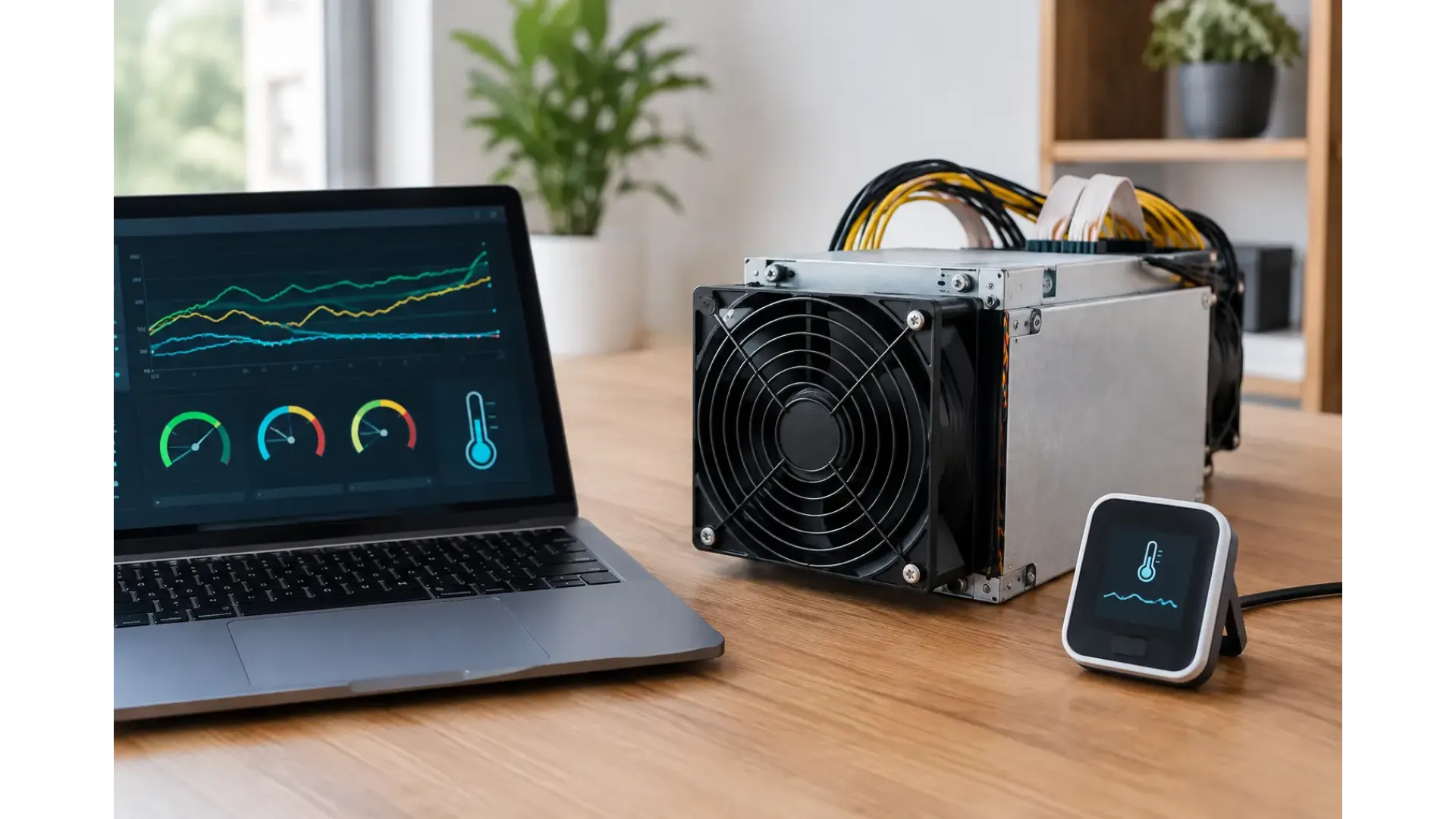
A miner can appear healthy right up until thermal protection cuts the hashboards, drops hashrate or shuts the unit down. Knowing how to monitor ASIC temperatures gives you a practical early-warning system for one of the most common causes of unstable mining: excess heat, restricted airflow or a failing cooling component.
For home miners and small operators, temperature monitoring is not about chasing one perfect number. Each ASIC model has its own sensor layout, firmware behaviour and operating limits. The useful approach is to watch for changes from the machine's normal baseline, then act before the miner begins producing hardware errors or thermal faults.
Why ASIC temperature readings matter
An ASIC converts a substantial amount of electrical power into heat. Fans move that heat away from the hashboards, but their effectiveness depends on clean airflow, room temperature, fan condition and the miner's location. If heat remains around the chips, the machine may reduce clock speed, report rejected work, increase fan speed or stop hashing to protect itself.
High temperatures also put sustained stress on fans, power supplies, cables and hashboard components. A miner that frequently runs at the edge of its thermal limit may still hash, but it is less likely to provide consistent uptime over time. Stable temperatures are therefore an operational issue as well as a hardware-care issue.
Do not focus only on the hottest reading. The difference between sensors often tells a more useful story. One board running noticeably hotter than the others can point to blocked airflow, a poor connection, a fan issue or a developing fault on that board. A sharp rise in temperature after a room change, firmware update or fan replacement is also worth investigating.
How to monitor ASIC temperatures from the miner dashboard
Most modern ASIC miners provide the core readings in their local web dashboard. Connect the miner to your network, find its IP address through your router or a network scanning tool, then sign in through a browser. The status page commonly shows chip, board, PCB, inlet, outlet and fan readings, although labels vary between manufacturers and firmware versions.
Start by checking the dashboard after the miner has been hashing under normal load for at least 20 to 30 minutes. A cold-start reading does not show the conditions the machine will reach during continuous operation. Record the ambient room temperature, fan speed, hashrate and readings from each hashboard at the same time. This becomes your baseline.
Some dashboards show individual chip temperatures, while others provide an average or maximum figure for each board. Treat the manufacturer's specified limit as the authority for your exact model. There is no universal safe ASIC temperature because a value that is normal on one machine or sensor type can be unsuitable on another.
The figures that generally deserve regular attention are:
- intake or ambient temperature, which shows the air available to cool the miner;
- exhaust temperature, which helps reveal how much heat the machine is releasing;
- hashboard or chip temperatures, including the highest reading and spread between boards;
- fan speed and fan status, as a fan running flat out may indicate a cooling problem even before a fault appears.
Check these readings at different times of day. A miner that is comfortable on a cool morning may overheat in a small room during the afternoon, particularly in summer or when other electrical equipment is operating nearby.
Use alerts instead of constant manual checks
Manual dashboard checks are useful, but they are not enough for a miner running overnight or in an outbuilding. Management software, compatible firmware and monitoring services can collect readings from several miners and send notifications when temperatures, fan speeds or hashrate move outside your chosen range.
Set alert thresholds with care. If the limit is too close to normal operating temperature, you will receive repeated warnings and may start ignoring them. If it is too high, the alert arrives too late to be useful. Begin with the manufacturer's recommended limits, then set a warning level below the point where the miner would throttle or protect itself.
A second alert for an unusual difference between hashboards is often more useful than a single high-temperature warning. For example, if one board suddenly sits well above the others in an otherwise stable room, investigate it even if all boards are technically below the maximum permitted temperature.
For a single home miner, a daily check of the dashboard and notifications for faults may be sufficient. For several units, centralised monitoring saves time and makes trends much easier to spot. It also helps distinguish a machine-specific fault from a room-wide ventilation problem.
Validate the reading before changing settings
Temperature sensors can fail, report incorrectly or react differently depending on firmware. If a reading looks implausible, check the physical conditions before assuming the ASIC is at fault. Is the intake clear? Are all fans spinning? Is the exhaust unusually hot? Has a duct come loose or has dust accumulated on the fan grille?
Use a separate room thermometer near the miner's air intake. It will not replace internal ASIC sensors, but it confirms whether the supplied air is becoming too warm. Avoid placing it directly in the exhaust stream, where it will give a misleading result.
If the dashboard reports a high temperature but the machine has normal fan behaviour and the room is cool, restart only after recording the readings and error messages. A restart may clear a temporary sensor communication issue, but it can also hide a repeating fault. If the reading returns, inspect the logs and consider professional repair or warranty support rather than repeatedly cycling the miner.
What to do when an ASIC runs hot
Start with airflow. ASICs need a clear path for cool air to enter and hot air to leave. Do not place one in a cupboard, against a wall or beside its own exhaust. Keep the intake side free from boxes, curtains and loose packaging, and leave sufficient clearance around both ends of the miner.
Next, clean the environment. Dust reduces airflow through heatsinks and fan assemblies, particularly in homes with pets, workshops or carpeted rooms. Power the miner down correctly before cleaning. Use appropriate low-pressure air and avoid pushing dirt deeper into the machine or spinning fans aggressively with a powerful air blast.
Then assess the room, not just the miner. Extracting hot air outside through suitable ducting can make a major difference, but poorly designed ducting adds resistance and can reduce airflow. Short, straight runs usually perform better than long routes with tight bends. Any enclosure must be designed for the miner's airflow requirements rather than simply built to reduce noise.
Lowering power or using an efficiency-focused operating mode can also reduce heat output. The trade-off is lower hashrate, so it makes most sense when electricity costs, summer conditions or noise constraints make full-power operation impractical. Underclocking can be preferable to repeated thermal shutdowns, provided the settings are supported by your firmware and hardware.
Build a simple temperature routine
A practical routine prevents small changes becoming expensive repairs. Review each miner's dashboard after installation, after moving it, after cleaning, and whenever the weather changes significantly. Compare current readings with your recorded baseline rather than relying on memory.
Keep a brief log of ambient temperature, maximum board temperature, fan speed, hashrate and any errors. This is especially useful for pre-owned equipment, where you may not know its full operating history. It also gives you useful evidence if you need to discuss a suspected issue with a retailer, repair service or manufacturer.
When buying a new or pre-owned ASIC from a specialist supplier such as Ehasher, check the model documentation and test the miner in a well-ventilated location before committing to a permanent installation. The right machine is only part of the setup - its cooling environment determines whether it can operate reliably.
Temperature monitoring works best when it becomes routine rather than a response to an alarm. A few baseline readings, sensible alerts and clean airflow give you the information needed to keep hashing steadily without waiting for the miner to tell you it is already too hot.
Related Product
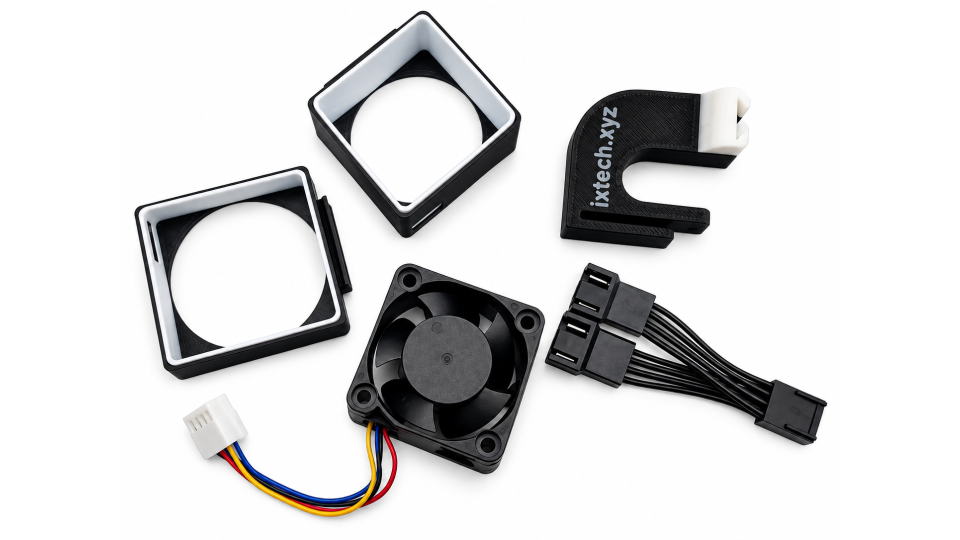
iX-Tech NerdQaxe++ / QAxe+ Hydro VREG Active Cooling Kit – 12V PWM
The iX-Tech NerdQaxe++ / QAxe+ Hydro VREG Active Cooling Kit is a purpose-built cooling upgrade designed to provide dedicated airflow to the voltage r..
£24.95
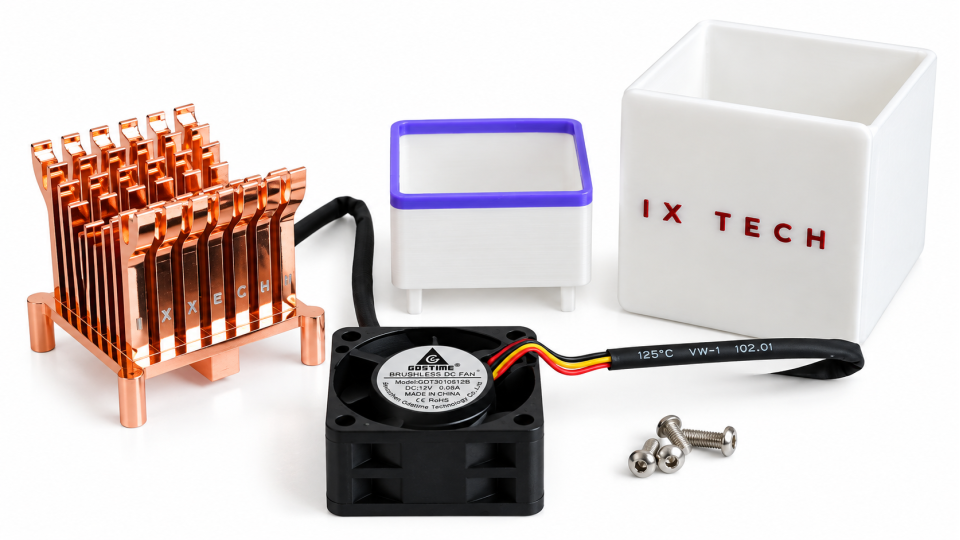
IxTech NerdQX VREG Copper Heatsink & 40mm PWM Fan Cooling Kit
The IxTech NerdQX VREG Copper Heatsink & 40mm PWM Fan Cooling Kit is a dedicated cooling upgrade designed specifically for the NerdQX Bitcoin mine..
£29.95
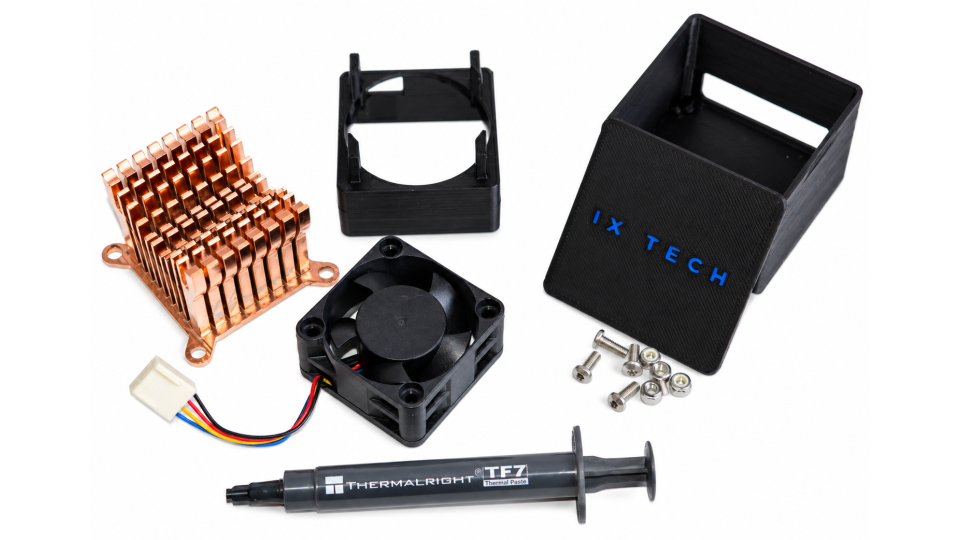
El Mirage Performance Heatsink Kit for Bitaxe & Nerdaxe
The IxTech El Mirage Performance Heatsink Kit is a premium cooling upgrade designed specifically for Bitaxe and Nerdaxe miners. Developed by IxTech, t..
£24.95