
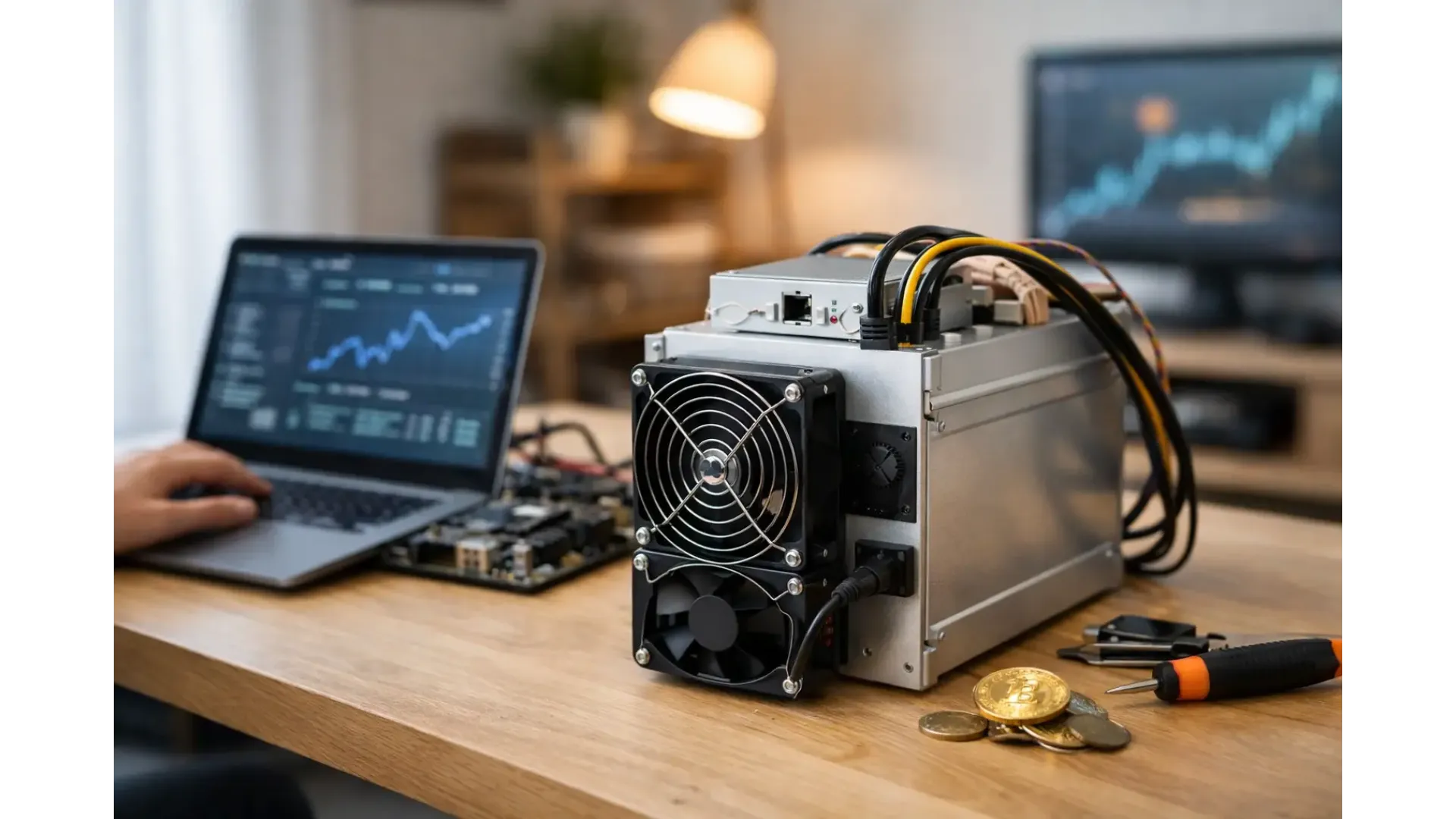
A solo miner that never connects properly, runs on the wrong power supply, or points at the wrong address is not mining - it is just using electricity. If you are learning how to set up solo miner hardware at home, the practical work starts before you switch anything on. You need the right machine, the right power arrangement, a wallet address you control, and a clear idea of whether you are mining directly to your own node or through a solo mining service.
For most buyers, the setup is not difficult. What matters is getting the details right the first time, because small errors create wasted time, failed boots, connection faults, and avoidable instability. Solo mining also comes with a different expectation from pool mining. You are not looking for steady daily payouts. You are running hardware for a very low-probability, high-variance result, so your setup needs to be reliable enough to stay online without constant intervention.
How to set up solo miner hardware properly
The first decision is the hardware itself. A compact home solo miner is a very different product from a full-size ASIC. Small home units are easier to place, draw less power, and are usually more realistic for hobby use in a domestic setting. Full ASIC systems can still be used for solo mining, but they need proper electrical planning, stronger ventilation, and tolerance for noise and heat.
Before installation, check four basics: power draw, plug type, network connection, and operating environment. Do not assume a standard room socket is suitable for every ASIC. Some units need higher-voltage input or specific power supplies, and some are supplied without the PSU included. If the machine and power arrangement are mismatched, you can damage equipment or create unstable running conditions from day one.
The room matters more than many first-time buyers expect. ASIC miners produce heat continuously, and that heat has to go somewhere. A spare room, garage, utility area, or workshop is usually more practical than a living space. Dust, poor airflow, and high ambient temperature all reduce stability. If you are placing a miner at home, think like you are installing a compact industrial device, not a normal piece of consumer electronics.
What you need before you power it on
You should have your wallet sorted before setup begins. For Bitcoin solo mining, use a wallet where you control the receiving address. Double-check the address format and keep a secure backup of your wallet credentials. If your miner finds a block, the reward needs to go to an address you own and can recover.
You also need to decide how the miner will connect. There are two common routes. The first is connecting to your own Bitcoin node and solo mining stack. The second is connecting to a solo mining platform or server that handles the block template work while still treating your machine as a solo participant. The first route offers more control and aligns with the most self-sovereign approach, but it is more technical. The second route is simpler and often better for users who want a faster start.
At minimum, prepare the miner, PSU if required, ethernet cable, internet access, wallet address, and login details for your node or solo endpoint. Wi-Fi is not ideal unless the device explicitly supports it and your signal is stable. A wired connection is the safer option.
Setting up power and placement
Place the miner on a stable, hard surface with open space around the intake and exhaust. Do not push it into a cupboard, against curtains, or beside other heat-generating equipment. If the machine is an ASIC with high airflow fans, leave plenty of clearance behind it because the exhaust temperature can become significant.
Connect the power supply exactly as specified by the manufacturer. This is not the place for guesswork. If the unit uses an external PSU, make sure the wattage and cable configuration are correct. If it has an integrated supply, confirm your mains input matches the stated requirement. In UK home environments, that usually means checking plug compatibility and total circuit load before startup.
Noise should also be treated as part of setup, not an afterthought. Some miners are perfectly acceptable in a workshop or insulated room, but very difficult to live with in a study or bedroom. If the machine is intended for domestic use, choosing the right class of miner from the outset often matters more than trying to manage excessive noise later.
Network access and first login
Once powered and connected by ethernet, allow the miner time to boot fully. Most units appear on your local network through your router’s device list, a bundled discovery tool, or a local IP scanner. Access the machine through its web interface using the assigned IP address.
Change the default password immediately if the unit ships with one. This is basic operational security, especially if the miner is running on a home network shared with other devices. After that, check for the installed firmware version. If the manufacturer provides a stable update, it can be worth applying before long-term use, but only if the process is well documented and relevant to your hardware revision.
Do not chase custom firmware on day one unless you already know why you need it. For a new setup, stability is more valuable than experimentation.
Configuring the miner for solo operation
The configuration page is where most people actually answer the question of how to set up solo miner equipment. You will need the stratum or endpoint address, worker naming convention if applicable, and your payout or reward address settings depending on the platform or node software you are using.
If you are connecting to your own node, the setup may involve Bitcoin Core, a block template service, and mining proxy software. That arrangement gives you independence, but it also means more moving parts to maintain. You need the node fully synced, accessible on your network, and correctly integrated with the mining software. If the node is not in sync, your miner may appear active without doing useful work.
If you are using a solo mining service, enter the server details exactly as provided. Then add your wallet address or worker credentials in the required field. Save the configuration and let the miner begin hashing. Within a few minutes, you should see hashrate readings, accepted shares where relevant, fan speed, temperature data, and connection status.
This is where patience helps. A miner can be online but still misconfigured if the accepted work count stays at zero, the pool status shows dead, or the dashboard reports frequent reconnects. Check one variable at a time: endpoint, port, wallet address, worker name, and network stability.
Monitoring performance and avoiding common faults
A correct startup is only the beginning. The machine should settle into a stable operating pattern with consistent hashrate and controlled temperatures. If temperatures climb too high, improve airflow before you start changing performance settings. Thermal issues are usually environmental first and firmware second.
Watch for dropped hashboards, repeated restarts, or unstable fan readings. These can point to PSU issues, overheating, dust build-up, or early hardware faults. A lower-power home miner is generally easier to manage, while larger ASIC systems need more active supervision.
Electricity cost also needs a realistic view. Solo mining is already a variance-heavy approach, so inefficient operation hurts twice - once through energy spend and again through poor uptime. If your tariff is high and your miner runs hot in a poorly ventilated room, the practical answer may be to use a smaller device or a better location rather than forcing an unsuitable setup.
Solo mining with a node vs a solo service
For some users, running a node is part of the point. It gives you direct control over your Bitcoin infrastructure, removes reliance on a third party for block templates, and fits a more self-managed mining approach. It also adds setup time, hardware requirements, storage considerations, and maintenance.
A solo mining service is often the more straightforward route for a home user who wants to start quickly. You still accept the same mining odds, but the connection process is usually simpler and support is easier to follow. There is no universal best option here. It depends on whether you value control or convenience more highly.
Is solo mining at home worth it?
That depends on your expectations. If you want predictable returns, solo mining is the wrong model. If you understand the probability involved and want to run dedicated hardware for the chance of finding a block independently, then a careful home setup can make sense. For hobbyists, node operators, and technically minded buyers, the appeal is often as much about sovereignty and infrastructure as it is about reward.
The best setup is usually the one you can run consistently. That means suitable power, clean networking, controlled temperatures, and hardware that matches your space and budget. For buyers sourcing specialist equipment, retailers such as Ehasher are useful because the product range is already focused on mining-specific hardware rather than general electronics.
Start with a miner you can support properly, configure it with care, and let reliability do the heavy lifting. A solo miner does not need constant adjustment. It needs a stable environment, the correct settings, and enough time online for probability to have a chance to matter.