
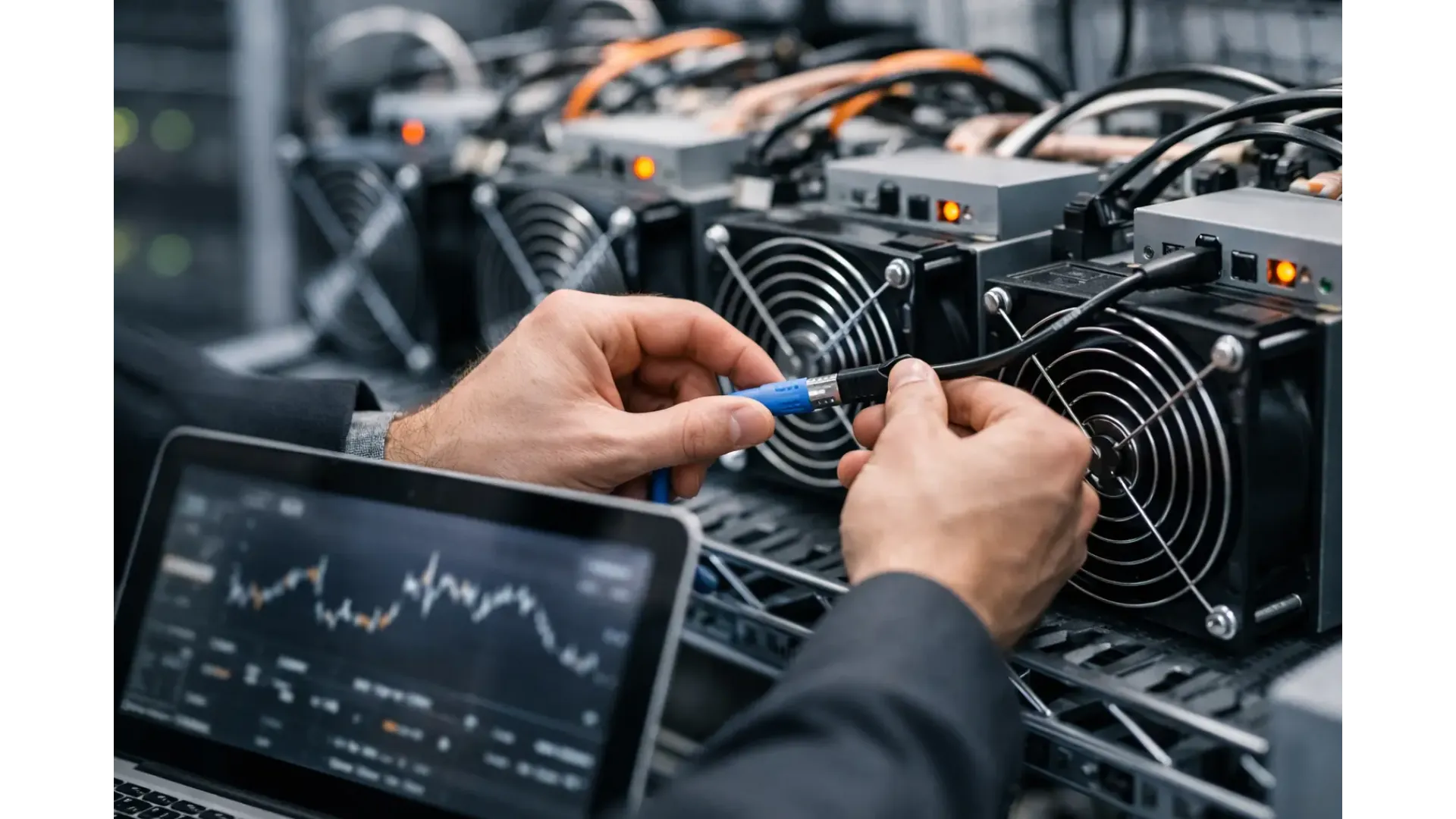
If your miner is hashing but not submitting valid shares, the problem is often not the ASIC at all. It is usually the link between your miner, your local network and the pool node. That is why understanding how to connect mining pool node hardware properly matters - it cuts setup errors, reduces downtime and gives you a more stable mining environment from day one.
For most home and small-scale users, a mining pool node acts as the local point between your miner and the wider pool infrastructure. In practical terms, it helps your equipment talk to the pool more reliably and can simplify management, especially if the node is pre-configured. The exact setup can vary by device, but the process is usually straightforward if you work in the right order.
What a mining pool node actually does
A mining pool node is not just another box on the shelf. It usually runs software that manages communication with a pool, handles miner connections and can provide a cleaner local endpoint for your ASICs or solo mining devices. In some cases, it also supports monitoring, worker routing or local management features that are easier to handle than pointing every machine directly at an external service.
This can be useful in a home mining setup where you want tighter control over your network, or where you are running more than one miner and want a central point of configuration. It can also help if you prefer dedicated hardware over building and maintaining a node from scratch on a general-purpose computer.
The trade-off is that a node adds one more layer to your setup. If it is configured badly, your miners may fail to connect, show stale shares or sit idle even when they appear online. That is why cabling, network settings and miner configuration all need to line up.
Before you connect mining pool node hardware
Start with the basics. You need a powered mining pool node, a stable internet connection, an Ethernet connection to your router or switch, and a miner that supports the protocol your node expects to use. In most setups, Wi-Fi is not the best choice for fixed mining infrastructure. Wired networking is more predictable and easier to troubleshoot.
You also need access to your local network details. That includes the node's IP address, your router's DHCP range if you are using automatic addressing, and login credentials for the node's interface. If the node has been supplied pre-installed, these details are often provided with the device or available through the initial setup screen.
Before turning to software settings, check the practical side. Use a known-good Ethernet cable, confirm the power supply is correct for the node, and make sure your router is assigning addresses normally. A surprising number of setup issues come down to a loose cable, a failed port on a switch, or a subnet mismatch between devices.
How to connect mining pool node on your network
The cleanest way to begin is to connect the node directly to your router or network switch with Ethernet, then power it on and allow it to boot fully. Some nodes take a few minutes before they appear on the network, especially if they run background services during startup.
Once powered, identify its IP address. You can usually do that from your router's connected devices page, a network scanner on your local network, or a display on the node itself if one is fitted. After that, log in to the node's management interface through a browser on a computer on the same network.
At this point, decide whether to leave the node on DHCP or assign a static IP address. For one or two devices, DHCP can be acceptable if you reserve the address in the router. For a more permanent setup, especially with several miners, a static or reserved IP is better because your miners always know where to find the node.
In the node interface, confirm the pool settings are correct. That usually means the upstream pool address, port, authentication details and any worker naming format required by your chosen service. If the node has arrived pre-configured, check those settings anyway. It is faster to verify them now than troubleshoot rejected shares later.
Connecting your miner to the node
After the node is online, move to the miner itself. Open the miner's web interface and look for the pool or stratum configuration section. Instead of entering a public pool URL, enter the local address of your mining pool node. This is usually the node's local IP address and the port it uses for incoming miner connections.
Enter the username, worker name and password format expected by the node or by the upstream pool if the node passes those details through. Some nodes are flexible and only need a basic worker format. Others require exact syntax. If your shares are not accepted, this is one of the first places to check.
Save the miner settings and allow the machine a few minutes to establish a connection. A healthy setup will show an active pool connection on the miner side and connected workers on the node side. If one side shows activity and the other does not, the problem is usually local network communication, port usage or credentials.
Common issues when learning how to connect mining pool node systems
The most common problem is using the wrong local address. If your miner points to an old IP address or to the wrong port, it will never reach the node. This is why static addressing or DHCP reservation is worth doing early.
The second issue is firewall or network isolation. Some routers and managed switches restrict traffic between devices on the same local network, particularly if guest networks or VLANs are involved. Your miner and node need to be able to communicate directly. If they are on separate segments without the right rules, the setup fails even though both devices have internet access.
A third issue is protocol mismatch. Not every miner, firmware version and node software stack behaves the same way. If your ASIC expects a particular stratum implementation and the node is configured differently, connection attempts may appear inconsistent. This is less common with standard hardware, but it can happen with older devices or modified firmware.
DNS problems can also cause upstream failures. Your miner may connect to the node locally, but the node cannot reach the external pool if DNS is misconfigured or your ISP connection is unstable. In that case, the miner looks fine but no useful work is being processed.
Best practice for a stable home or small-scale setup
If you are running a single miner at home, keep the setup simple. Use one router, wired Ethernet, reserved IP addresses and a node with clear management access. Avoid unnecessary network complexity. Fancy network layouts are rarely helpful in a small mining environment.
If you are running multiple miners, think about airflow and power at the same time as networking. A tidy node connection does not help much if your switch is in an overheated cupboard or your equipment is sharing unstable power. Mining hardware performs best when the supporting infrastructure is treated as part of the system, not an afterthought.
It is also worth keeping a record of your settings. Note the node IP address, login credentials, pool ports, worker names and any custom changes. When a miner is rebooted or replaced, that record saves time. It also makes remote support far easier if you need help later.
For buyers who want less setup friction, pre-installed mining pool node hardware can make sense. It reduces the amount of manual configuration required and gives you a known starting point, which is often more valuable than chasing the lowest upfront cost.
When to adjust and when to leave it alone
Once the node and miner are connected and submitting valid shares consistently, resist the urge to keep changing settings. Frequent adjustments create fresh variables and make faults harder to trace. Stability matters more than constant tinkering unless you are solving a specific issue.
Change one thing at a time if you do need to troubleshoot. Start with the local network, then node settings, then miner settings. That order is usually the fastest route to a fix because it isolates where communication is failing.
If you are buying hardware for a home mining or small operator setup, the best approach is often the practical one: choose equipment that is built for the job, keep the network clean and verify each stage before moving to the next. Ehasher customers tend to value exactly that - dedicated mining hardware, straightforward setup and support that matches the equipment being used.
A mining pool node should reduce friction, not add to it. If your connection path is clear, your addressing is fixed and your miner credentials are correct, you are already most of the way to a dependable setup.
Related Product
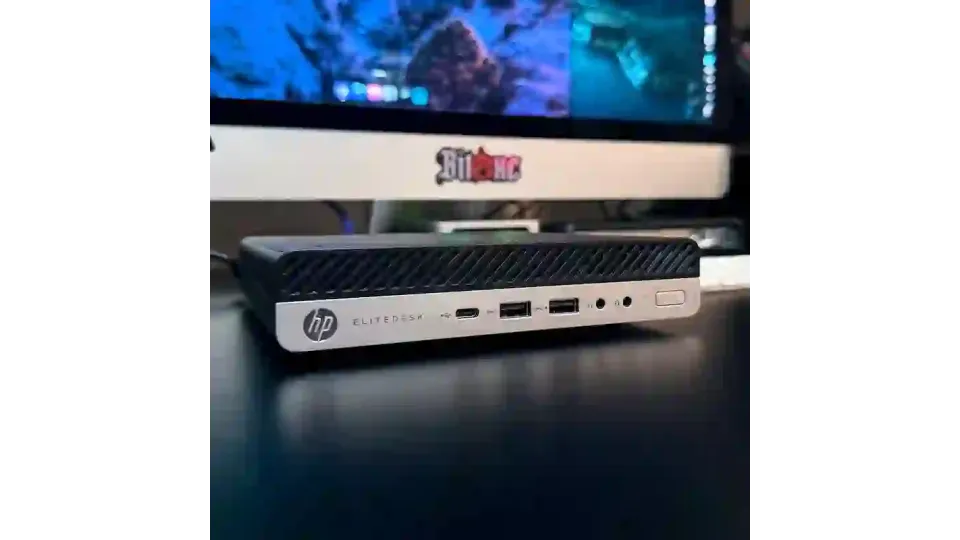
HP EliteDesk 705 G4 Mini PC – 16GB Ram - 256GB SSD NVMe – 5tratumOS Multi-Chain Node
HP EliteDesk 705 G4 Mini PC – 5tratumOS Multi-Chain Node (256GB SSD) Condition: Used – fully tested and prepared. May show minor cosmetic wear...
£149.95
HP EliteDesk 800 G3 Mini PC – i5-7500T 16GB 1TB NVMe – 5tratumOS Multi-Chain Node
🏖️ HOLIDAY NOTICE Please note that eHasher will be taking a short break from 5pm Wednesday 2 September until 9am Tuesday 15 September 2026 (UK t..
£329.95
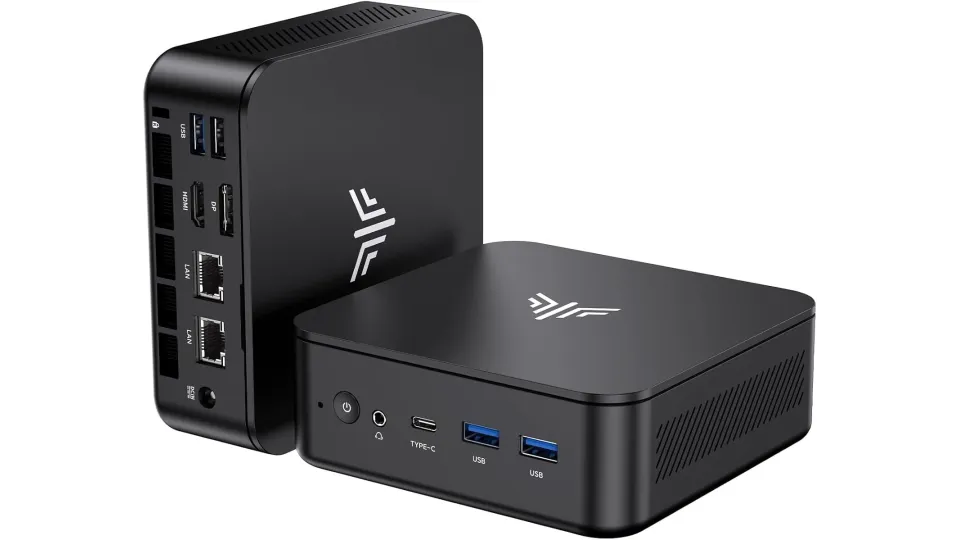
NIPOGI E3 Mini PC Ryzen 5 3500U Black | 32GB RAM | 1TB NVMe | 5tratumOS Node Ready
This compact and energy-efficient NiPoGi E3 Mini PC has been professionally configured as a multi-chain pool node system, running 5tratumOS on a high-..
£449.95